This feature requires a Freedom licence.
Landing pages are the HTML pages that users see after clicking a phishing link. Landing pages can use variables, capture submitted input (such as form fields) and redirect users to another website after submission.
Important: landing pages are stored in the database. For every recipient in a campaign, 2LRN4 generates a unique ID (the rid parameter) and uses that ID to dynamically load the correct landing page.
To preview a landing page, run a test campaign. If you open a landing page directly without providing an rid parameter, a generic 404 page will be shown.
Create a page
In the phishing menu, go to Landing page and click Create (top-right).
Import
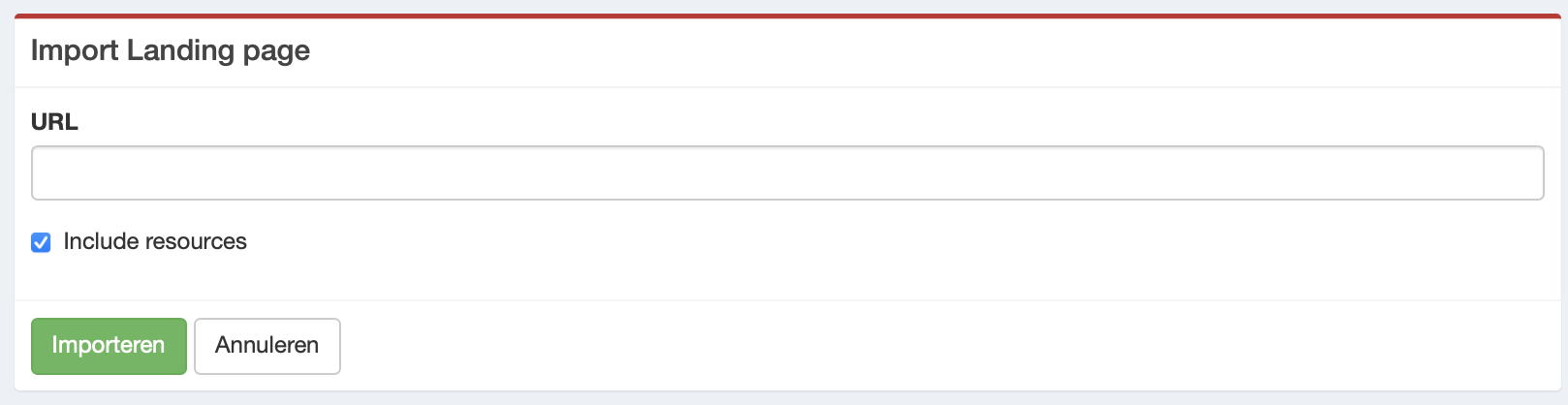
- 2LRN4 can import a page from a URL. Click Import.
- Enter the URL, for example:
https://www.linkedin.com/login/nl?fromSignIn=true&trk=guest_homepage-basic_nav-header-signin - Enable Include resources to include resources. If the landing page contains a form, the input (except passwords) will be recorded.
|
|
Build your landing page
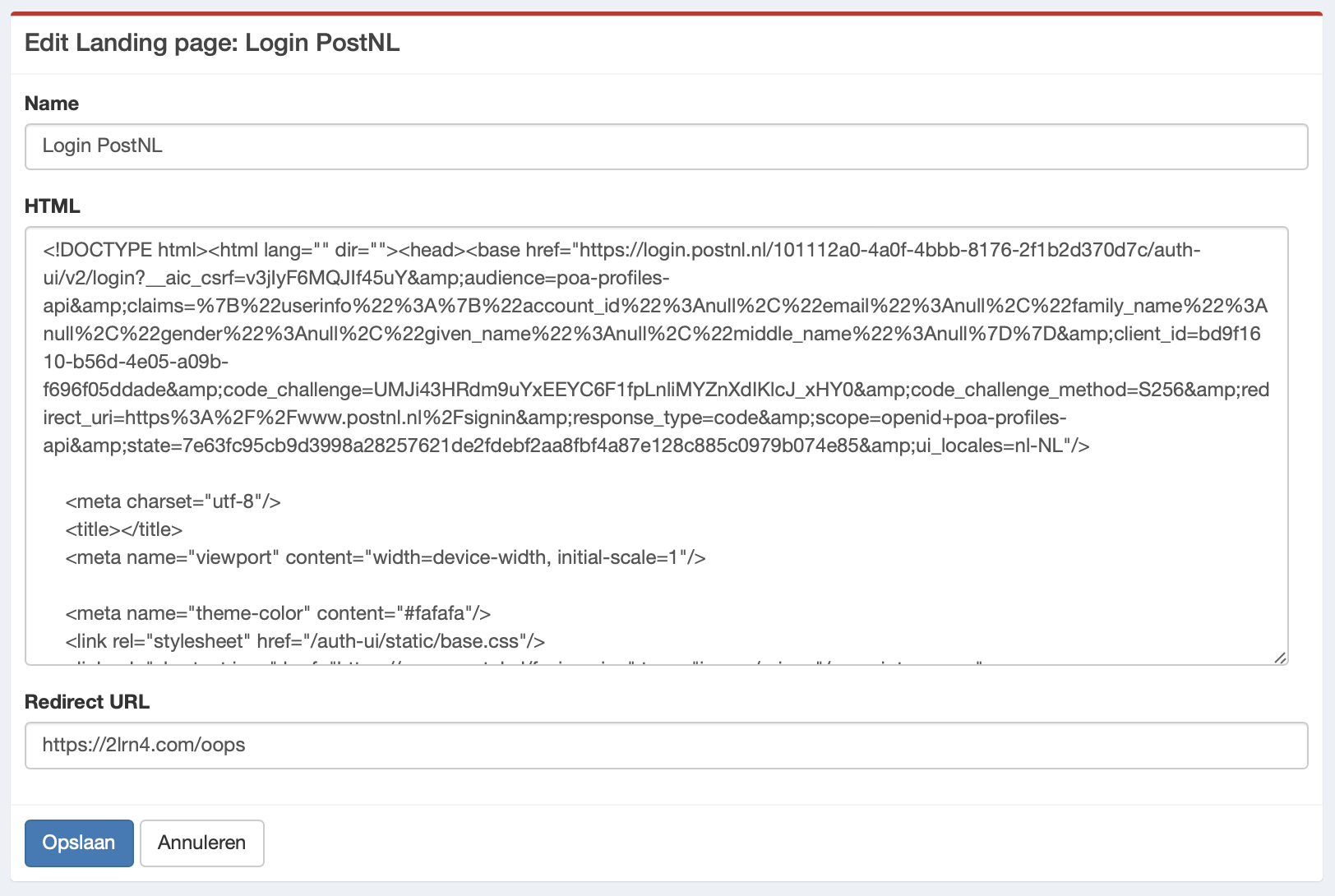
- Enter a clear name in Name so you can recognise it later.
- If you used the import function, the HTML will appear in the HTML field. You can also build your own HTML page (e.g., in an HTML editor) and paste the code here. Use variables to make it feel more personal (this increases trust).
-
Redirect URL: to reduce suspicion after users submit their details, redirect them to:
- the original URL,
- an oops page, or
- a training course.
Make sure you provide the full URL (including https://).
|
|